
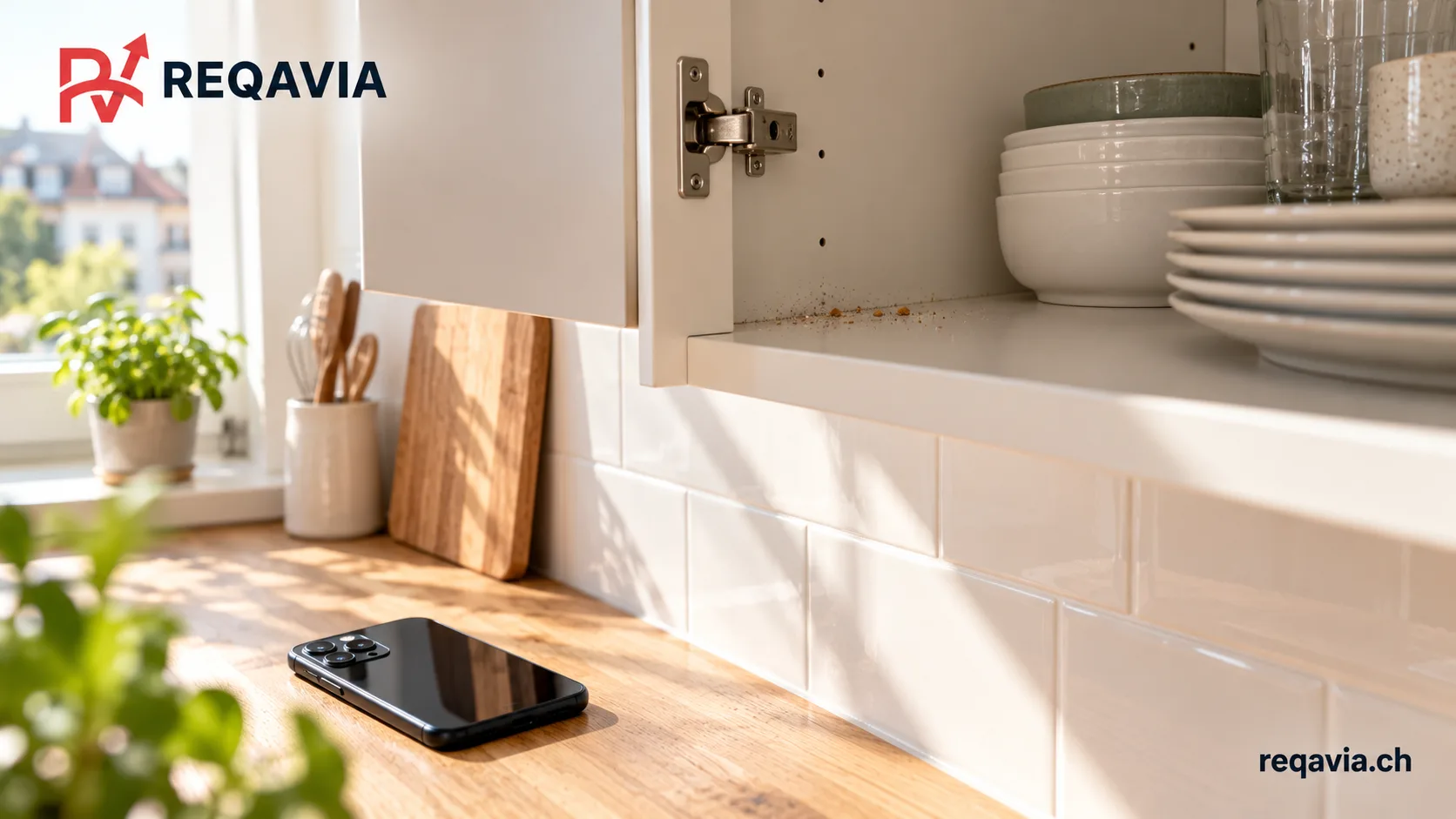
If you find an area that appears uncleaned after a visit, identify it precisely and check the agreed task list before contacting the company. The useful question is what happened at this location and what should happen next. Separate an included task that seems unfinished from work never included, an unclear expectation or a surface change that needs assessment.
Locate the observation in the agreement
Name the room, object and exact part: for example, the back corner of the upper shelf inside the left kitchen cupboard. Then identify the relevant line in the offer or message. “Inside cupboards included” gives a common reference for discussion; “the kitchen should look better” leaves the company guessing which task you mean.
If the scope is unclear, say so directly and ask the company to explain what was included. Keep the accepted offer and later changes together. A task added during the visit may have replaced another priority, so use the final agreed list rather than only the original version. Note when you discovered the issue and anything relevant that happened after cleaning.
Create a small, useful private record
Take one view that locates the area and one closer view of the observation if photographs help. Use ordinary lighting and retain the unaltered originals. Avoid a crop or edit that removes important context. Keep faces, household documents and family photographs outside the image; you usually need the work area, not a record of the cleaner or your private life.
The federal data protection authority explains that people have rights over their own images. Keep operational feedback directed to the agreed company contact rather than posting identifiable people online. Share only the material needed to explain the task and retain the relevant message with your visit record.
FDPIC: photographs and video surveillance (French)
Distinguish dirt from a possible surface change
A scratch, broken component or altered finish should not be treated automatically as remaining dirt. If you are unsure, stop experimenting on that spot and describe what you see. Do not repeatedly scrub or try a solvent to prove the problem exists. Ask the company how the condition will be assessed and whether another specialist is needed.
State the known timeline without claiming a cause you cannot establish. If you have a relevant photograph from before the visit, provide it privately with the later view. An image comparison can help locate the change but does not, on its own, decide responsibility or the correct repair. Keep a condition question separate from an ordinary missed cleaning task.
Ask for a specific next step
A practical message can say: “I noticed residue on the upper shelf inside the left kitchen cupboard after today’s visit. The accepted list includes cupboard interiors. I have kept an overview and detail photo. Could you review this point and confirm whether you propose a visit or another agreed step? I am available on these dates.”
Mention any real external deadline, such as an agreed apartment handover, without assuming it changes the company’s commitments. Check the actual reporting and follow-up conditions in your agreement. Ask for a written answer identifying who will deal with the point, what is proposed and when you will hear back. Do not assume a universal correction period, refund or compensation.
Record how the point was closed
After the reply or follow-up visit, note what was addressed and what remains unresolved. If a new issue appears, describe it separately rather than merging it into an older closed point. Keep the offer, changes, relevant photographs, messages and invoice together. Where a disagreement persists, seek appropriate advice using that actual record.
If the original request came through REQAVIA, contact the company about execution: REQAVIA is an intermediary and the service agreement is direct. For a future cleaning request, describe the important tasks explicitly in the text field and agree scope, price and execution with the company. Necessary photographs are shared directly and privately during coordination, not required as request-form attachments.