
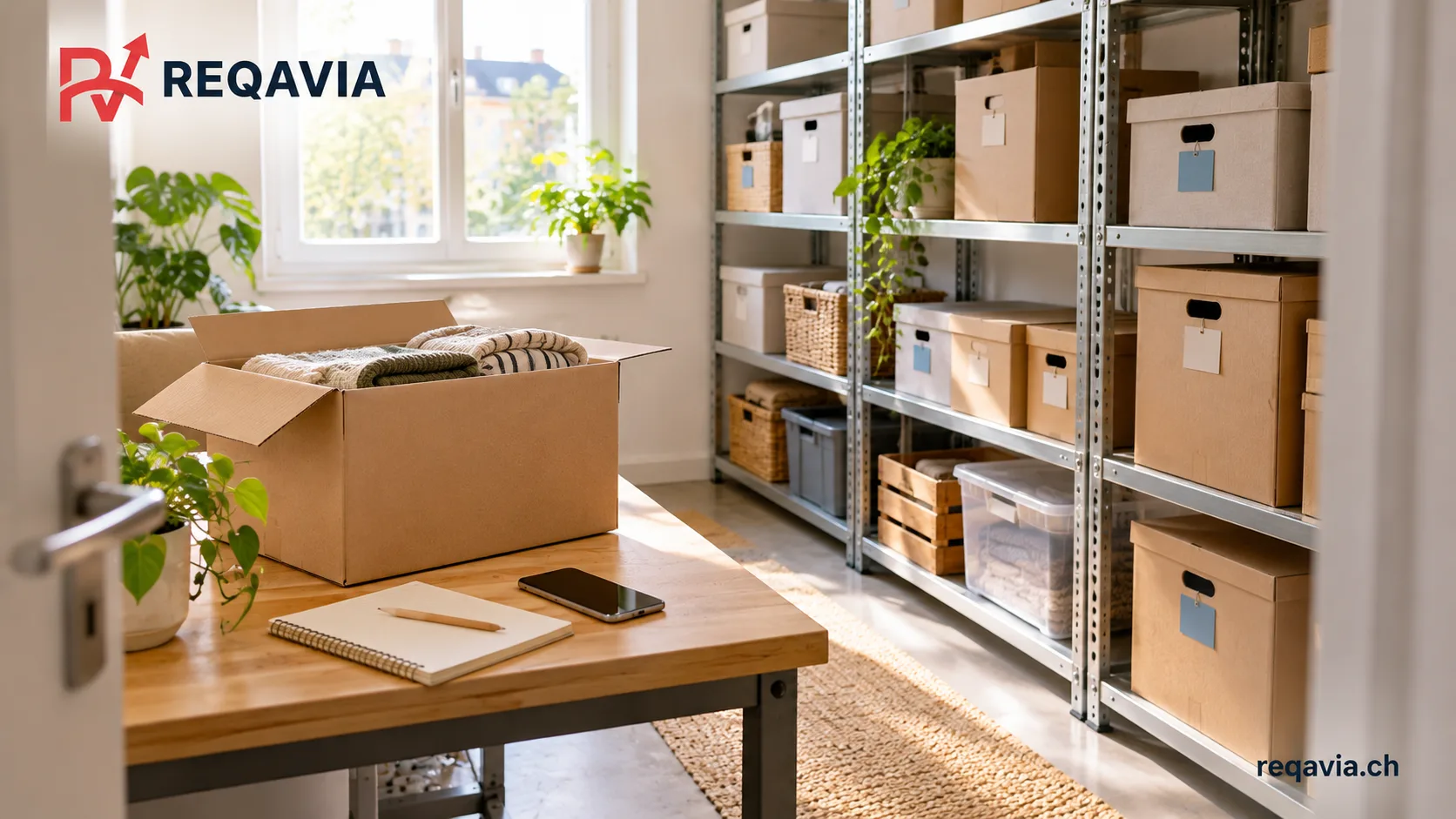
If your storage list has disappeared from your phone, do not immediately empty the whole unit. Look for existing copies first, then create a working list with clearly marked gaps. Check only the groups needed at each stage. The aim is a reliable record that helps you locate belongings and keep track of changes.
Search for information before visiting
Within accounts you are authorised to access, check backups, saved files, messages, shared folders and photographs from the original move into storage. See whether your notes application offers a deleted-items folder, archive or earlier versions. These are possibilities to investigate, not guaranteed recovery features. Open any version you find and check its date before treating it as current.
Ask the storage or transport company whether it holds a handover record or later changes for your job. These documents may fill gaps without replacing your entire personal contents list. Do not give helpers your passwords or sign in to an unfamiliar recovery service. If a device is damaged and the data matters, seek appropriate technical advice before resetting it.
Preserve a starting point
Keep recovered lists unchanged as reference material and make a separate, dated working version. Record where each piece of information came from. An old handover record may show what arrived at that time; compare it with subsequent collections and additions before using it to establish what remains today.
If the company uses its own identifiers, connect them to labels already on your belongings. Do not rush to replace readable numbers with a completely new system. Record the correspondence first so that later checks do not treat two different objects as the same item.
Separate confirmed information from open questions
Start with visible furniture and readable labels. For each entry, record an identifier, short description, position within the unit, verification status and date. One example status is “label read, contents not checked”. Do not record the assumed contents of a box as fact simply because its colour looks familiar.
Give uncertain entries a next action: ask a particular person, compare an existing photograph or inspect the box on a planned visit. A useful inventory does not require a photograph of every document. Keep only the detail you need to distinguish and retrieve belongings.
Check a manageable group on each visit
Agree a permitted working area and keep shared passages clear. Review one group, update the list and put it back in order before starting another. Open other people’s papers or containers only with the necessary permission. Check contents and labels together rather than completing them from memory at different times.
Leave hard-to-reach or unstably stacked items in place initially and arrange suitable help. If you need assistance, specify which group needs to become accessible. Emptying the whole unit is not automatically the right response to one unidentified box.
Make the replacement list recoverable
BACS recommends regular backups, checks for completeness and readability, and recovery tests. For your inventory, keep a protected copy outside the phone and confirm that you can open the file.
BACS: backing up data, in German
After each check, save the new version with its date. Make clear which version is current and retain older ones in an understandable order. Test access from another personal device you are authorised to use. Do not write account credentials on visible box labels.
Request focused assistance
In your text-based storage request through REQAVIA, describe the groups involved and the help needed to access or reposition them. Explicitly ask whether the company offers that assistance: the aim is to check the inventory, not dispose of the contents. Any pictures can be shared directly and privately with the company. REQAVIA is an intermediary. You agree scope, price and delivery directly with the company.