
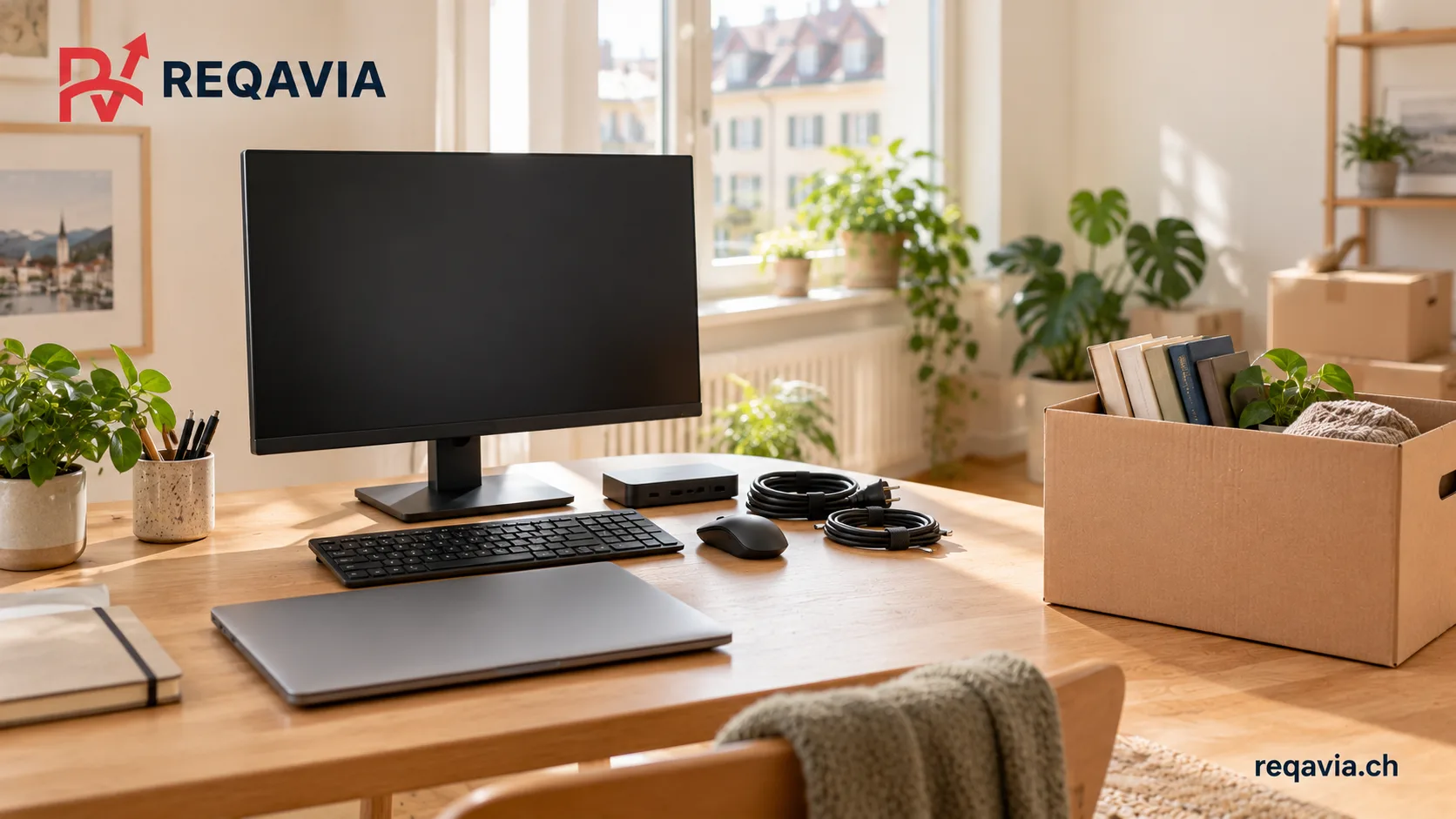
A monitor, laptop or office chair in your home may belong to your employer even after years of daily use. Before moving house, clearing a room or placing items in storage, separate work equipment from belongings you own. Confirm who has authority to decide its destination before you sell, donate or dispose of anything. Your memory of who originally paid is not a reliable substitute for the organisation's equipment record.
Make one inventory of the equipment set
List the equipment types and related parts together: screen, computer, charger, docking station, keyboard, cables, peripherals and any assigned furniture. Keep serial numbers and internal asset references in a private record for the employer, not in a general moving request. Compare your list with the allocation document or other record available to you. Ask the responsible person to clarify anything unaccounted for, especially where similar personal devices are nearby.
Request clear return instructions from your employer's IT or equipment team. Establish the approved route, recipient, date, address, packing responsibility and form of receipt. A computer returned without its agreed charger or docking unit may still leave part of the assigned kit outstanding. Keep accessories matched to the main equipment instead of dropping every cable into a household box that will be stored elsewhere.
Do not decide data handling yourself
Getting ready to hand over a company computer is not permission to delete company files, remove accounts, reset the device or dismantle its storage. Follow the employer's current instructions. Even moving personal material from a work machine may need an agreed procedure. Ask which person is authorised to preserve, transfer or remove information, and how any personal material on the device should be addressed.
Switzerland's [National Cyber Security Centre](https://www.bacs.admin.ch/de/ks23s-2-de) explains that ordinary deletion does not necessarily permanently remove digital information. That warning is not a reason to run your own erasing tool on employer-owned equipment. Let the authorised IT contact select the relevant method. Do not pass passwords, account recovery codes or security keys to a general transport company, even if a driver offers to test that a laptop starts.
If the employer cannot collect before you move
Ask for an approved temporary arrangement in writing. Confirm whether the equipment may remain with you, where it may be kept and who is allowed access while waiting for return. Do not assume that a private storage space or household insurance automatically satisfies the employer's requirements for its property. Keep the group clearly separate from other boxes until a responsible person confirms the plan.
If moving the equipment has been authorised, agree who will pack it and which original accessories must travel with it. Describe the physical load to the carrier without disclosing confidential business information. Avoid having a removal team open, connect or test devices that are outside the agreed handling task. Where a third party will receive the load, confirm their authority and how the handover will be acknowledged.
Disposal needs a separate decision
If an employer decides a device is no longer needed, obtain its decision about both the physical item and the information it contains. Switzerland's [Federal Office for the Environment](https://www.bafu.admin.ch/de/elektrische-und-elektronische-geraete) explains the separate collection of electrical and electronic devices. Using a suitable electronics route does not replace internal approval or secure data handling. Do not put an employer's computer or battery into ordinary mixed clearance simply because the furniture around it is being removed.
At the handover, reconcile each item and required accessory against the inventory and obtain the appropriate confirmation. Keep that record with the employer's communication rather than attaching it to a public quote request. If ownership or authorisation is uncertain, hold the specific item aside and ask before release. A moving deadline does not turn a borrowed or assigned object into personal property.
What to ask through REQAVIA
In your REQAVIA text request, describe only approved equipment groups, approximate dimensions, pickup and destination details, floor access, and whether you need moving or temporary storage. State any limits on handling without including serial numbers, passwords or private files. Share relevant photographs directly and privately with the company during coordination. REQAVIA is an intermediary; the company agrees service scope, price and execution with you. Ownership and data decisions remain with those authorised to make them.